
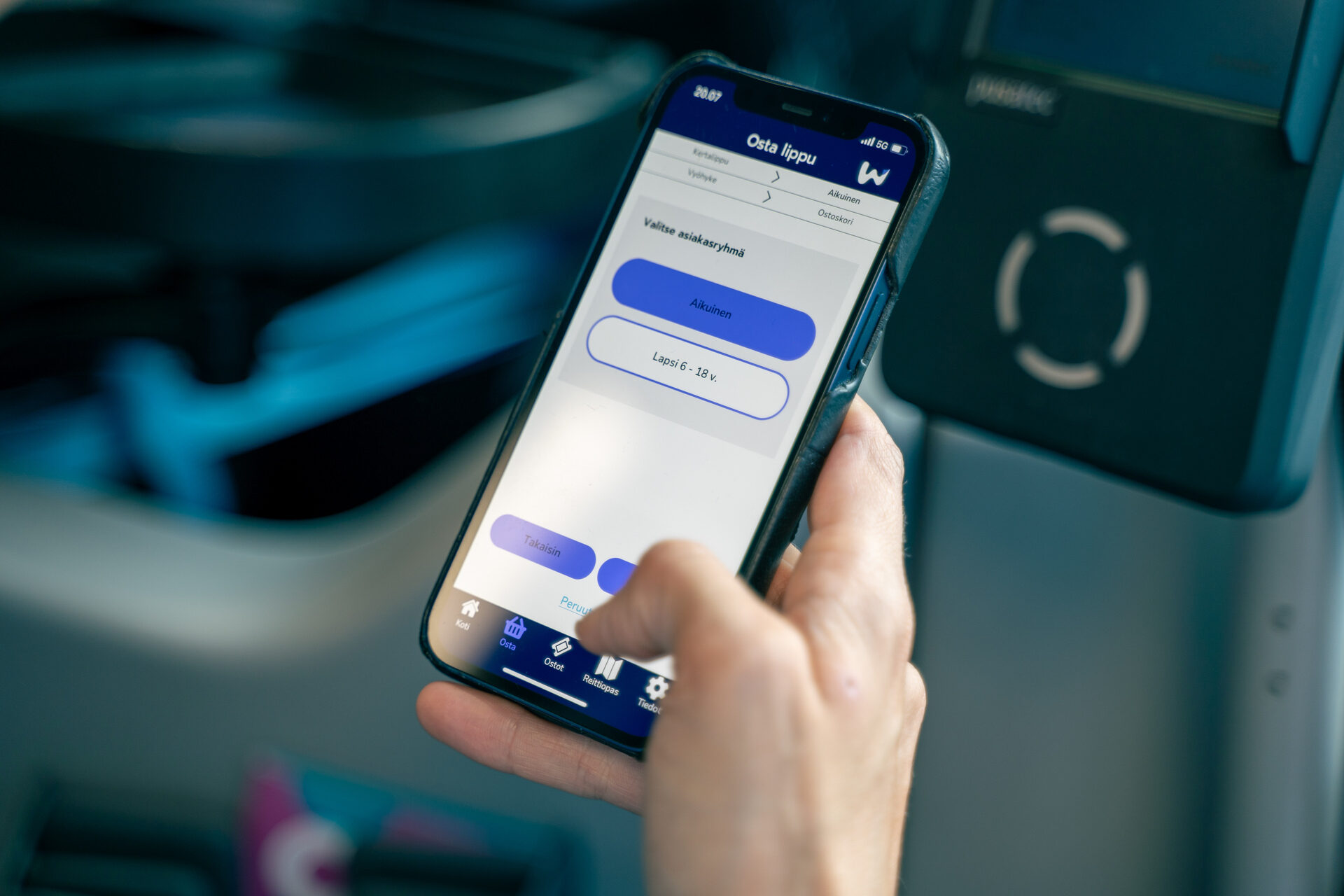
You can buy mobile tickets from the Waltti Mobiili app. Ticket prices and validity are determined by the zones travelled. A mobile ticket is cheaper than a ticket bought on the bus with cash.
The Waltti Mobiili app can be used as an anonymous user or as a registered user. Registering ensures that products remain on your user account across devices.
The validity of mobile tickets starts immediately upon purchase. Therefore, it is best to buy the ticket shortly before the bus arrives. Mobile tickets are read by placing the ticket’s QR code over the reader’s lower area, and they are checked on every trip.
- Download the Waltti Mobiili app from Google Play or the App Store.
- Select your city
- Accept the terms of use and review the privacy notices
- Register or continue as an anonymous user
- Select the ticket to buy > From the top bar (Ticket/product) you can choose a single or a day ticket
- Under Zones, select A
- In Customer group you can choose Adult or Child
- Add a debit or credit card to be charged for the ticket
- After reviewing your purchase details, press Pay
- The ticket opens on the screen automatically immediately after payment
You can buy multiple mobile tickets and tickets for different customer groups on the same phone.
The validity of a mobile ticket starts at the time of purchase. The ticket must be bought before the start of the trip.
Board the bus and show the ticket
Place the ticket against the bus’s QR code reader, below the contactless card reader, or on the right side of the driver’s payment device. Align the QR code with the area indicated on the device. A suitable reading distance is about 10 cm below the device. If the bus does not have a QR code reader, show the ticket to the driver.
Ticket information in the app
In the Waltti Mobiili app you can see your valid and expired tickets, purchase history and receipts. To view ticket details, click the ticket.
If you need a receipt for your ticket, you can send it to your email by selecting the ticket and clicking Send receipt.
As a registered user you can view your purchase history on all devices. Please note that as an anonymous user, purchase history will not transfer when changing device or user.
User details
From the Details menu you can view your user information, change the selected city, the app language, manage your payment cards, and review your ticket purchases.